AssistantAsk your workspace, not your colleagues
Everything your team has said, written, and agreed is searchable in one place. Ask a question and get a short answer with its sources, or hand off the follow-up and let it run.
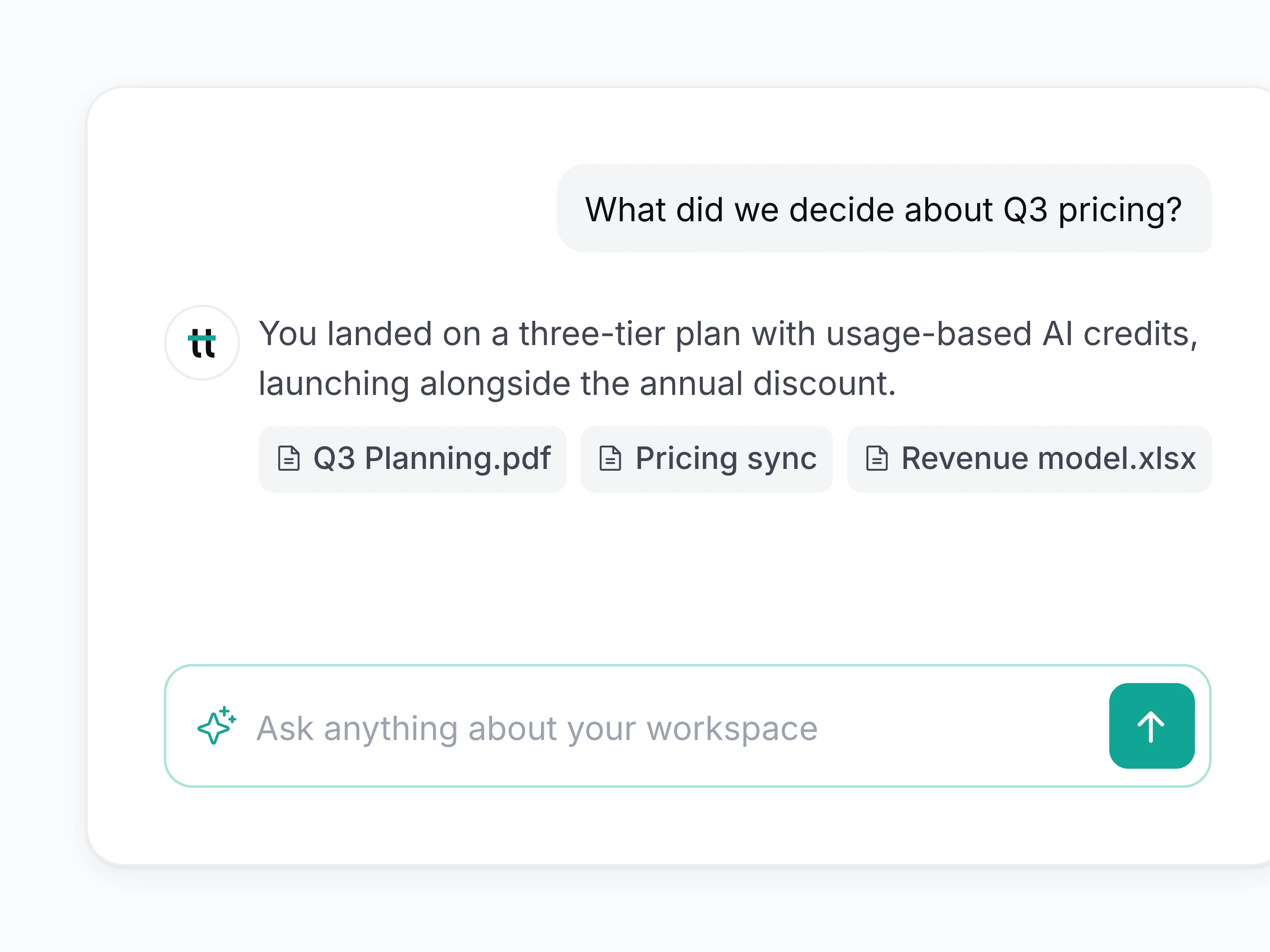
Every answer shows its source
Ask about a decision, a number, or a commitment and get a short answer linked to the call, email, or file behind it.
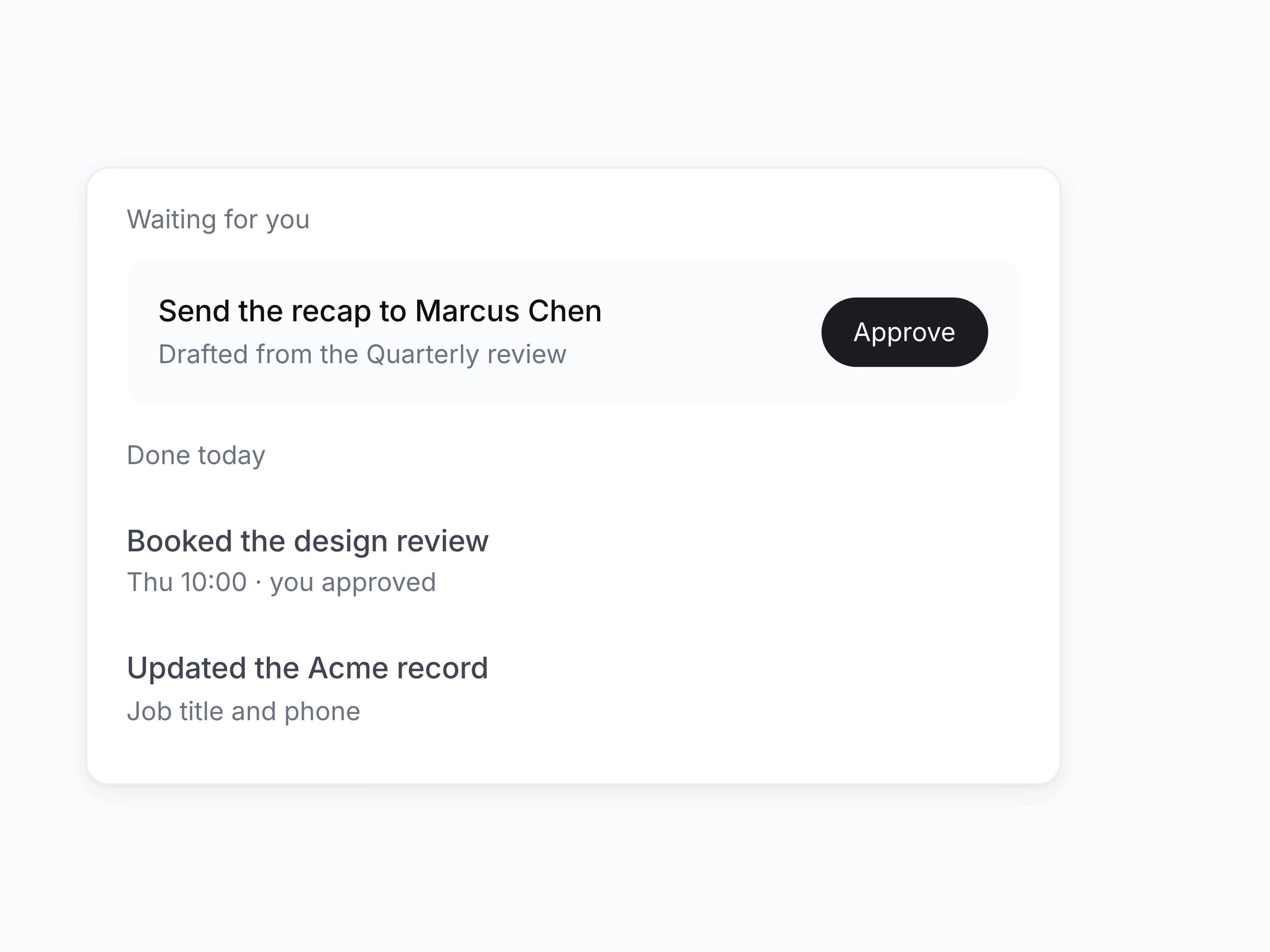
It proposes, you approve
Review the drafted follow-up, booking, or record update, approve it once, and let it run in the tools you already connected.
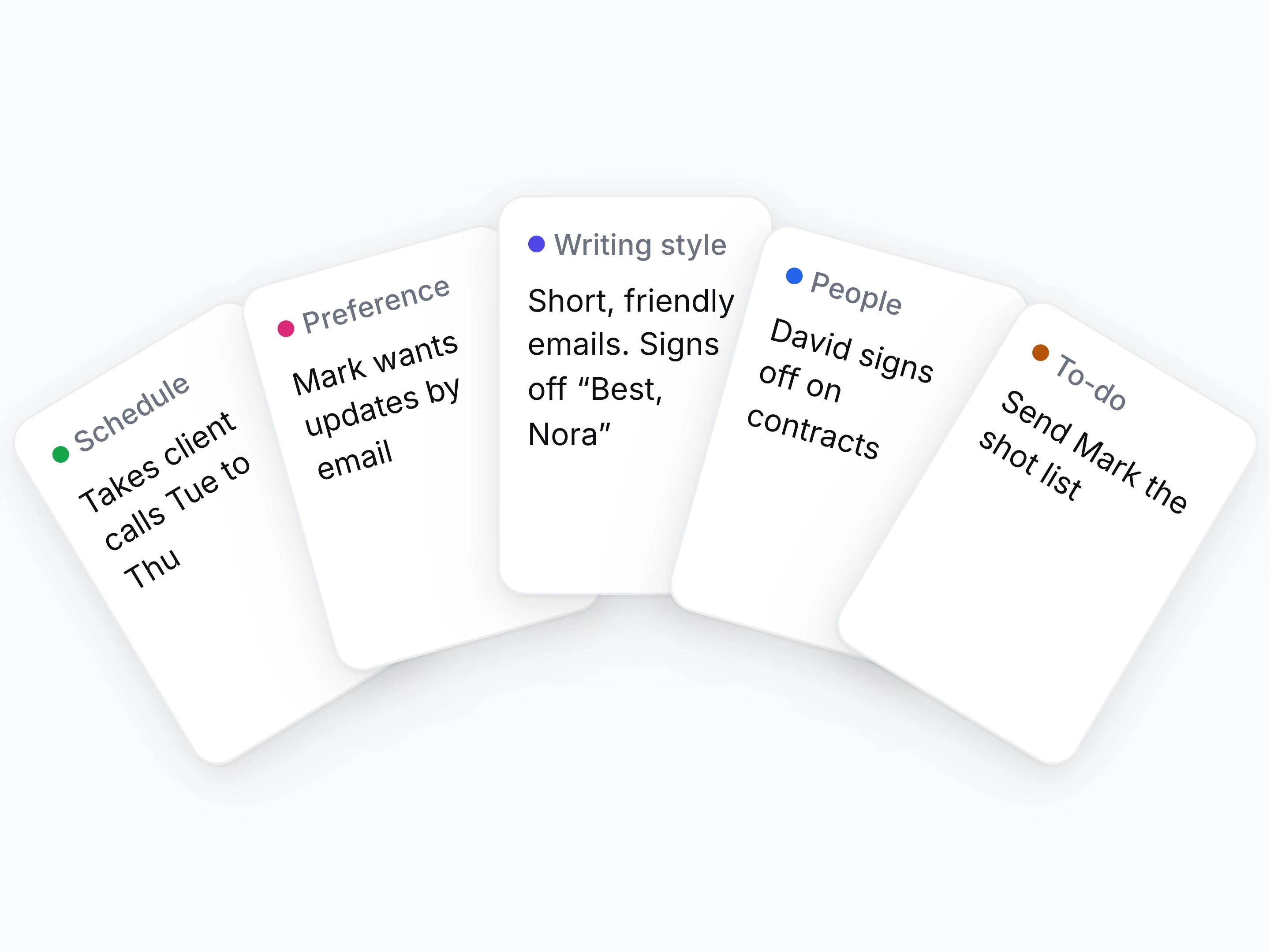
Nothing you said gets lost
Mention a preference, promise a follow-up, or fix a draft once, and it carries that forward into the next draft, or a reminder before it's due.
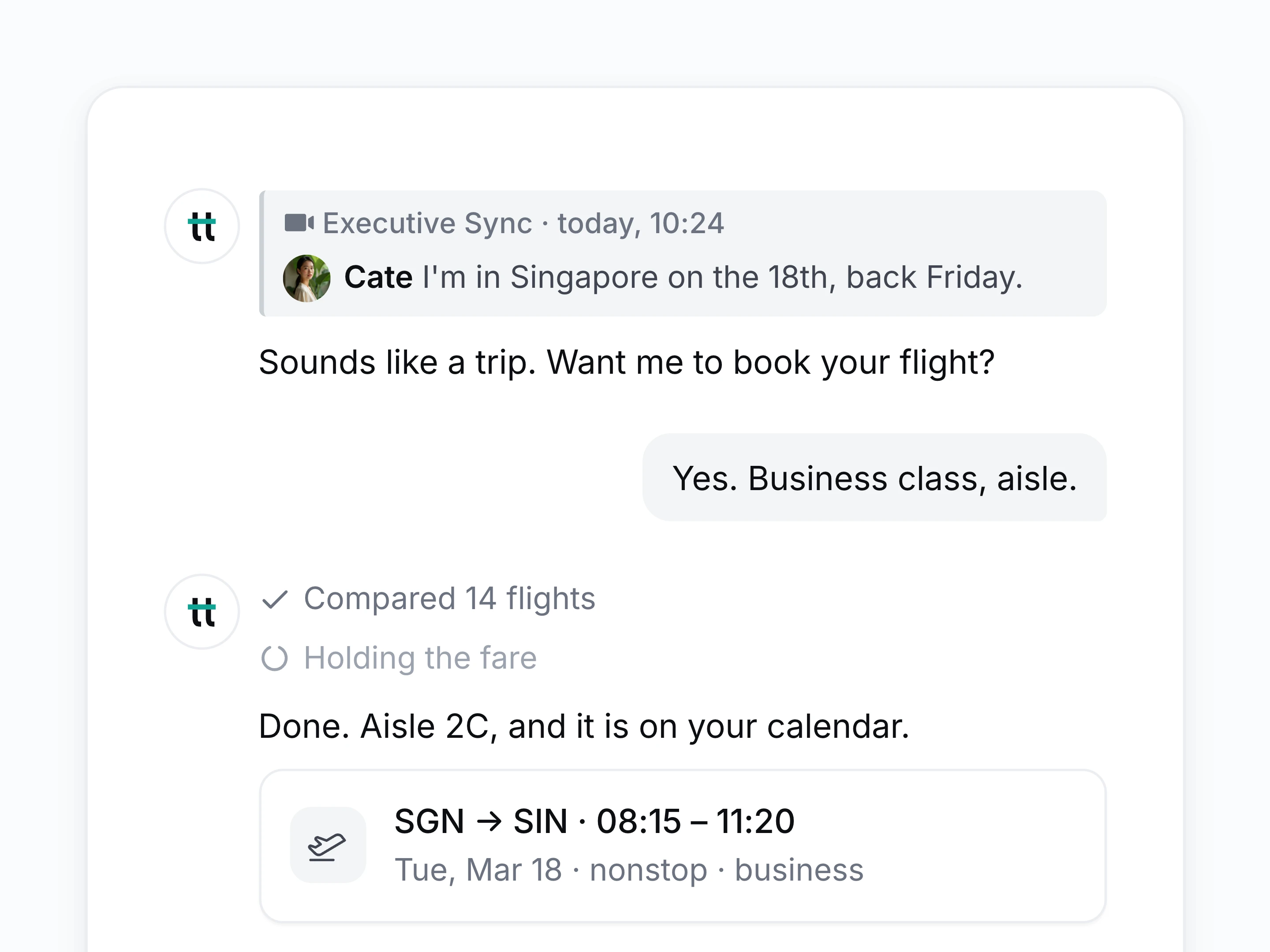
Hand work over mid-call
Ask it to book the next meeting or draft a follow-up while the conversation carries on, and let it do the arranging in the background.
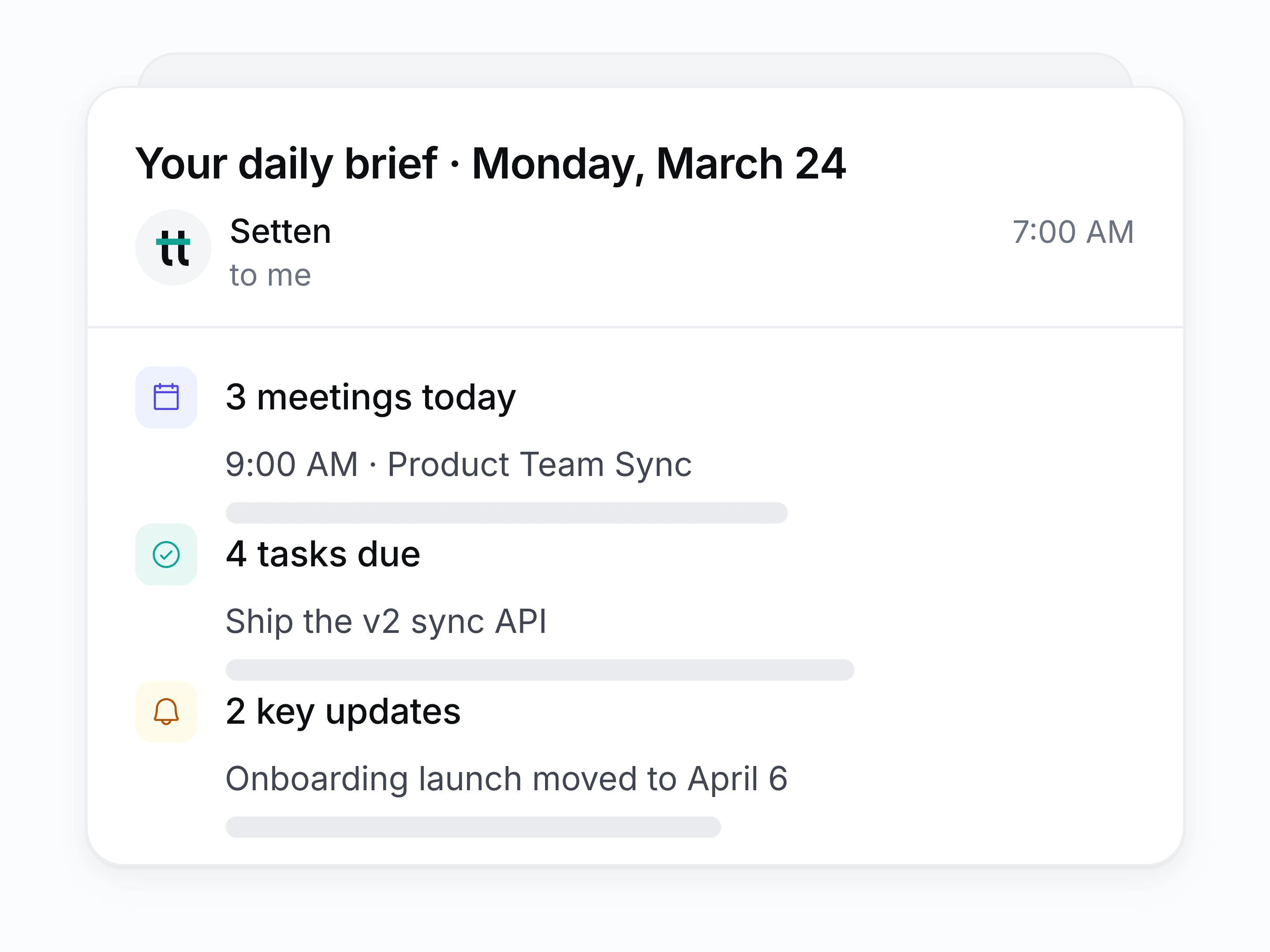
A brief before the day starts
Read one email each morning: the calls ahead, what is due, what moved, and what is waiting on you.
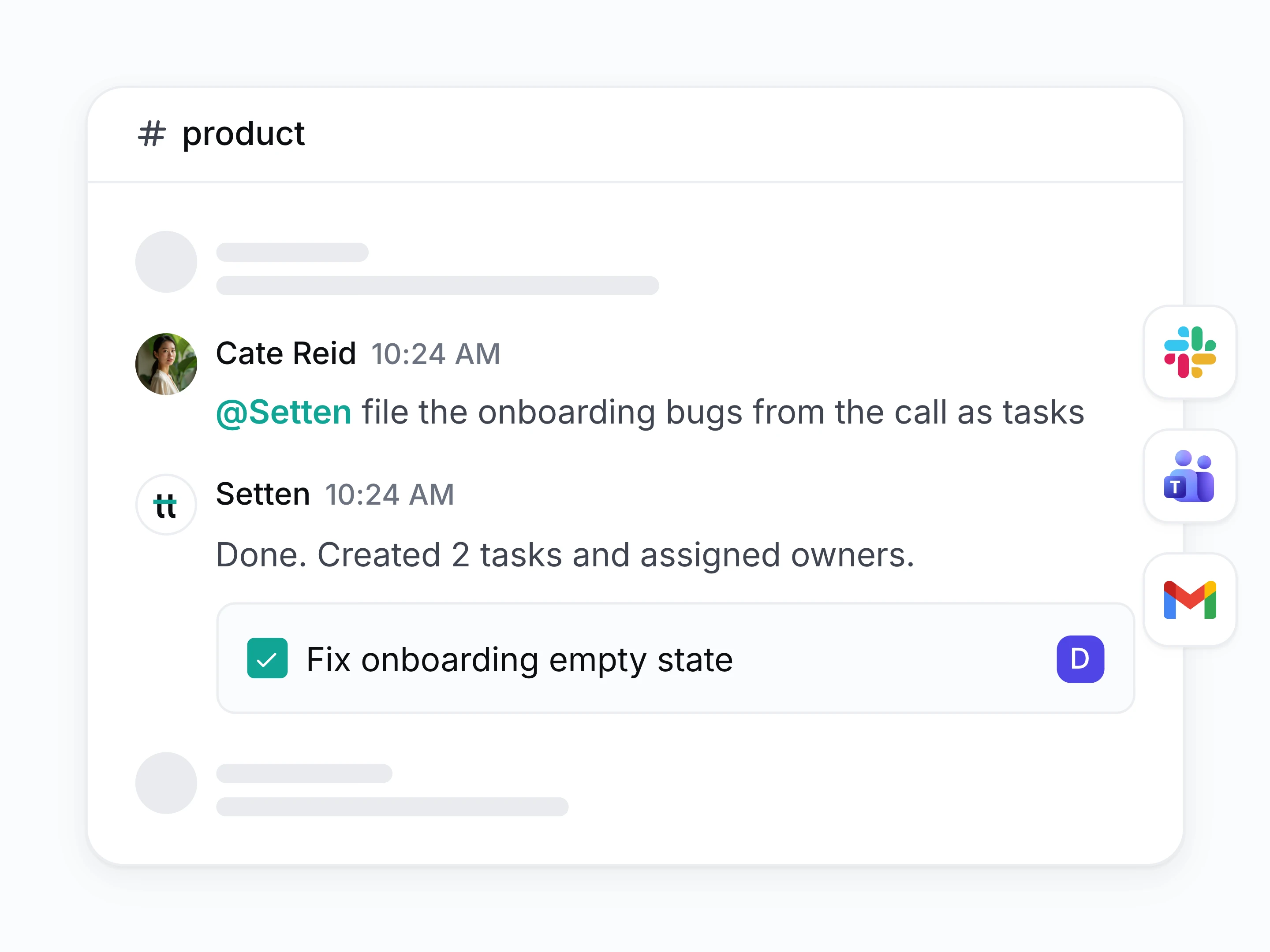
Answers in the thread you are in
Tag Setten in Slack or Teams, or copy it on an email, and get the answer there. Nothing to paste between tools.
Everything else the assistant can reach
- Scoped to what you can see
- Get answers only from records your own permissions already allow.
- Follow-up questions
- Keep asking in the same thread and it holds the context.
- Saved questions
- Save the questions your team asks weekly and rerun them in a click.
- Drafts in your voice
- Get follow-ups drafted in the tone your team already writes in.
- Knows which call you mean
- Ask about the call on Tuesday and let it work out which one.
- Brief on your schedule
- Choose when the morning brief lands and what it covers.
How a question gets answered
- [1]
Connect your sources
Calls, files, email, and chat, so there is something to answer from.
- [2]
Ask in plain language
No query syntax, no folder to remember, no filters to set.
- [3]
Read the answer and its source
A short reply, with a link to the record it came from.
- [4]
Hand off the next step
Approve the draft, the booking, or the update and let it run.
Questions about the assistant
How is this different from a general AI chatbot?
A chatbot does not know what your team agreed on Tuesday. Setten answers from your own calls, files, and threads, and links each answer to the record it came from.
Can it see records I do not have access to?
No. Answers are limited to what your own permissions already allow.
Will it do things without asking?
No. It drafts the action and waits for your approval before anything is sent, booked, or changed.
Is our data used to train models?
No. Your workspace content is used to answer your questions and nothing else.
Can I trust the answer?
Every answer carries the call, file, or thread it came from, so you can check the claim rather than take it on faith.
Does it work in Slack and Teams?
Yes. Tag it in a thread and it answers there.