WorkThe tracker fills itself in
Commitments from calls, email, and chat arrive as tasks with an owner and a date, so the plan reflects what was agreed instead of what someone remembered to type.
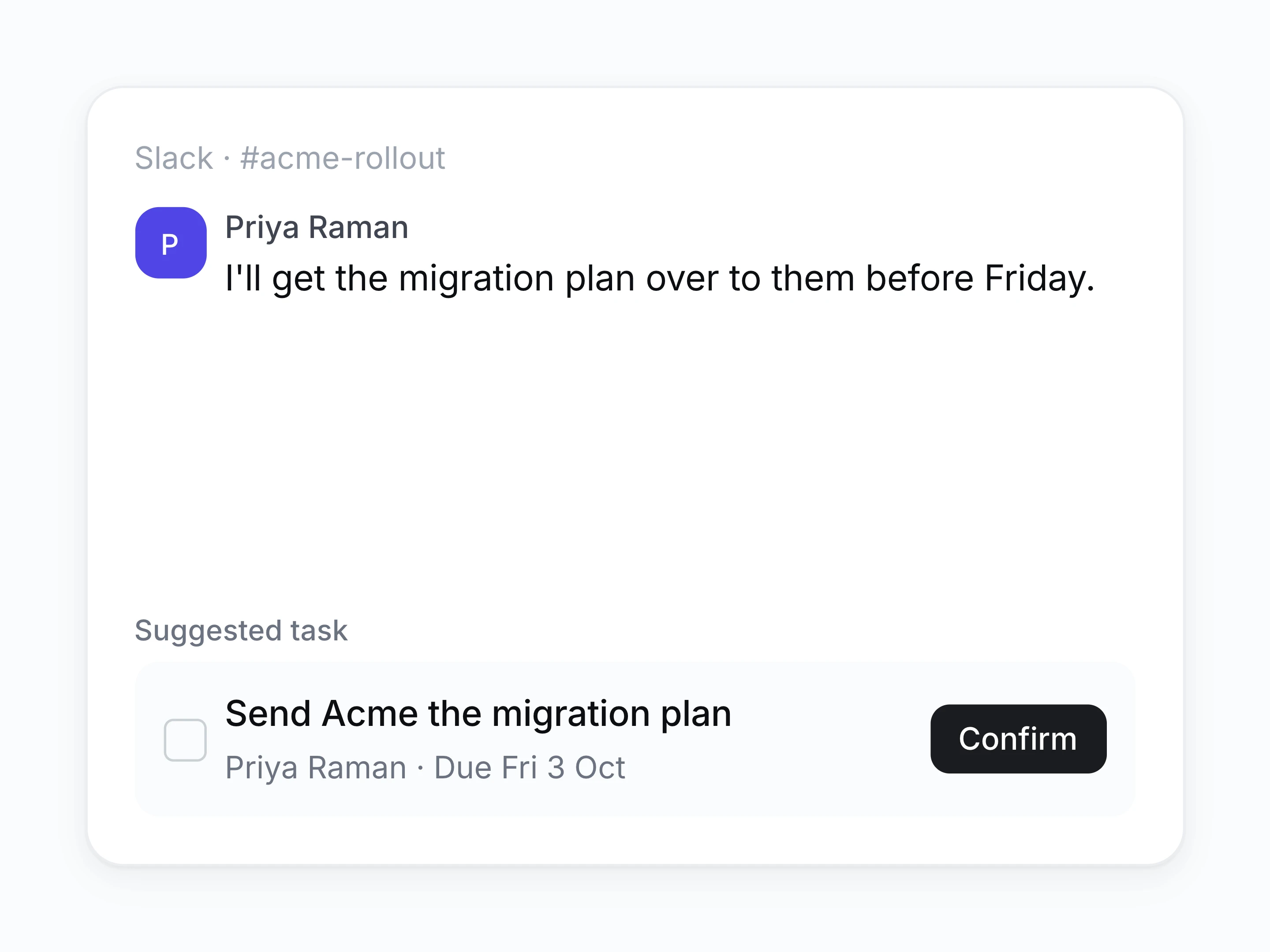
Work arrives already written
Let calls, email, and chat file the task for you. Confirm the owner and the date instead of typing them.
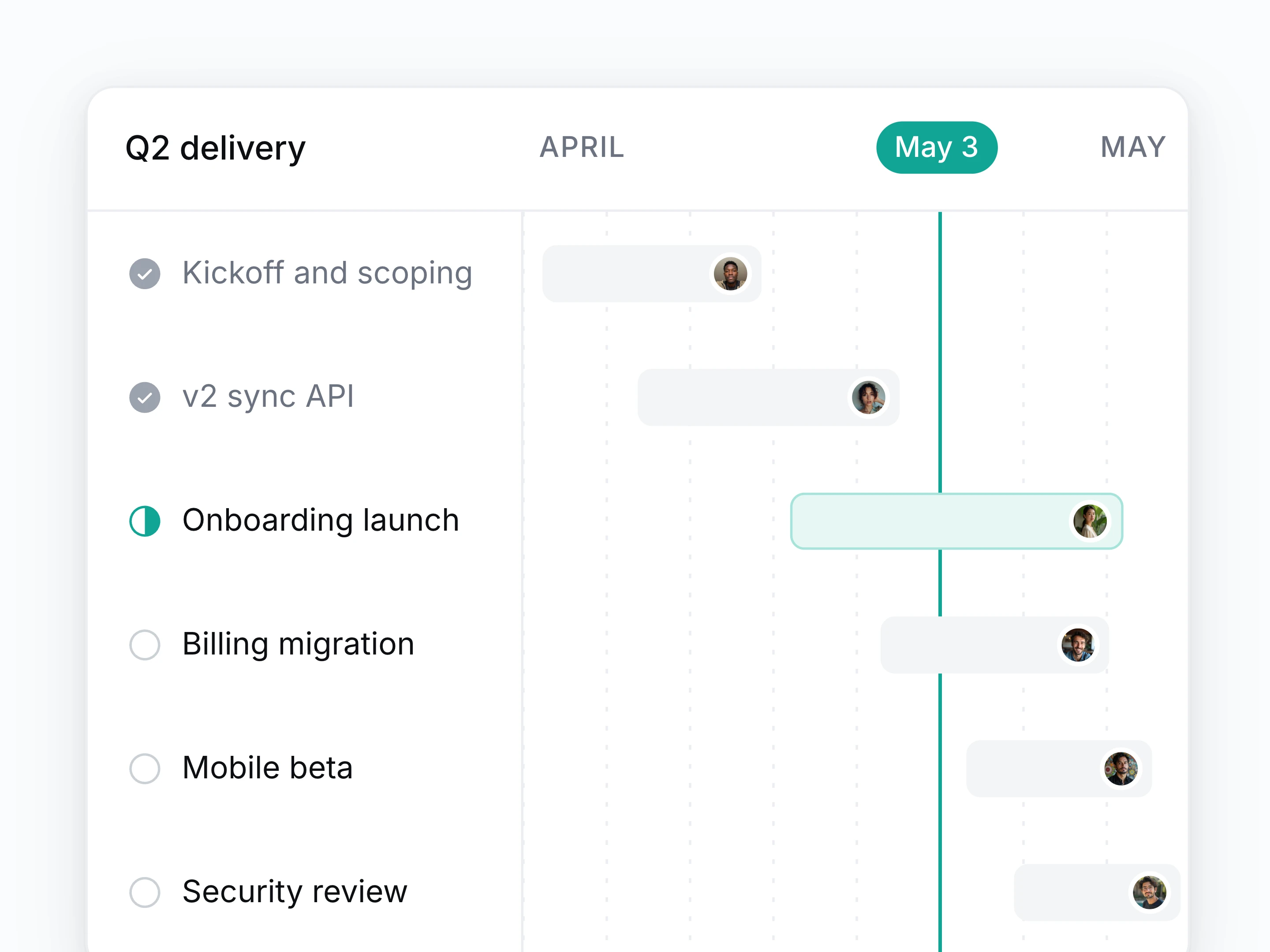
Plan projects, not lists
Group work into projects with phases, owners, and dependencies, and see the whole delivery on one timeline.
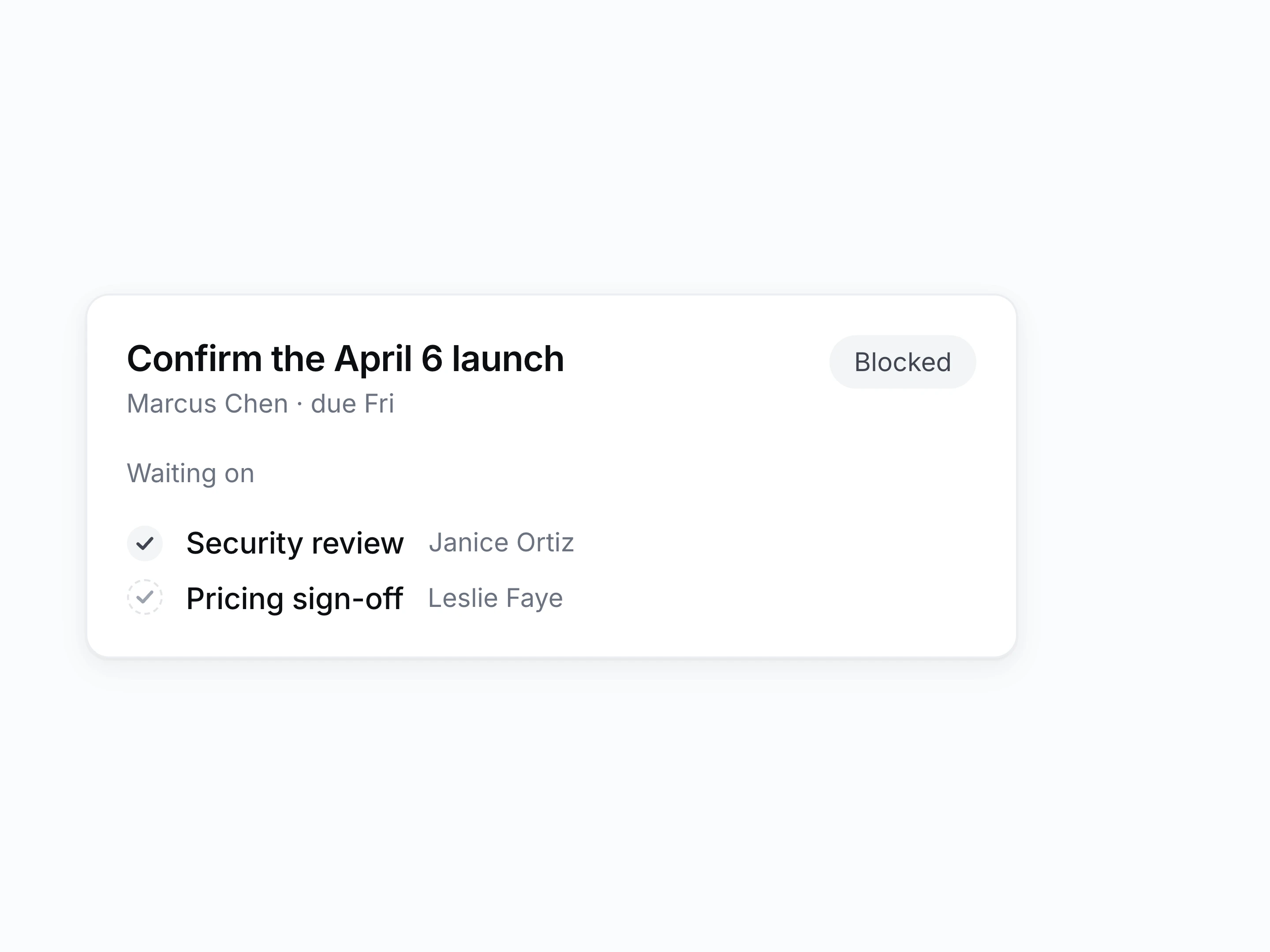
See what a task is waiting on
Trace a blocked task to the work upstream of it and the person who owns that work.
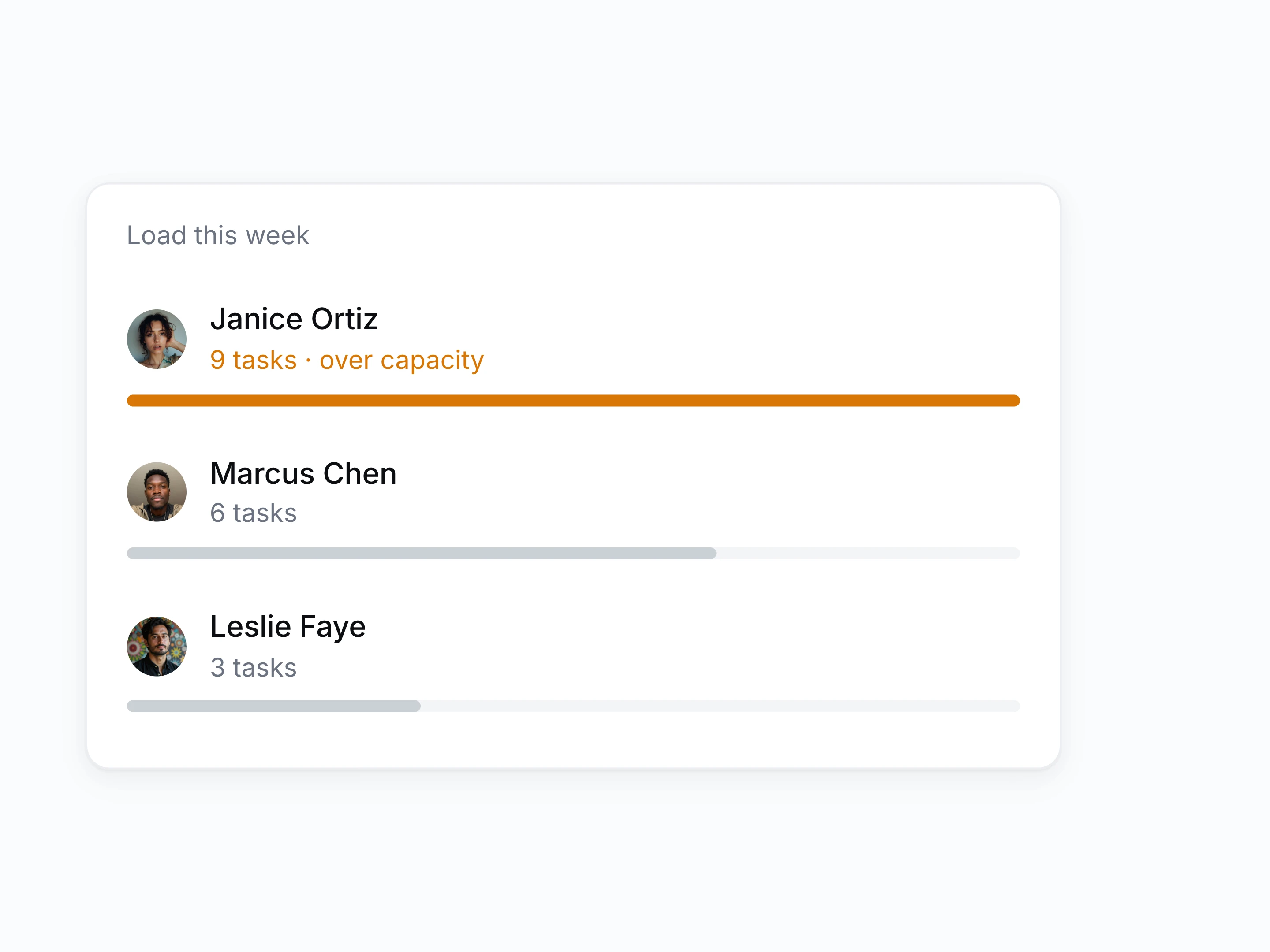
Spot who is carrying too much
See each person's workload based on assigned tasks and due dates, and rebalance before something quietly gets dropped.
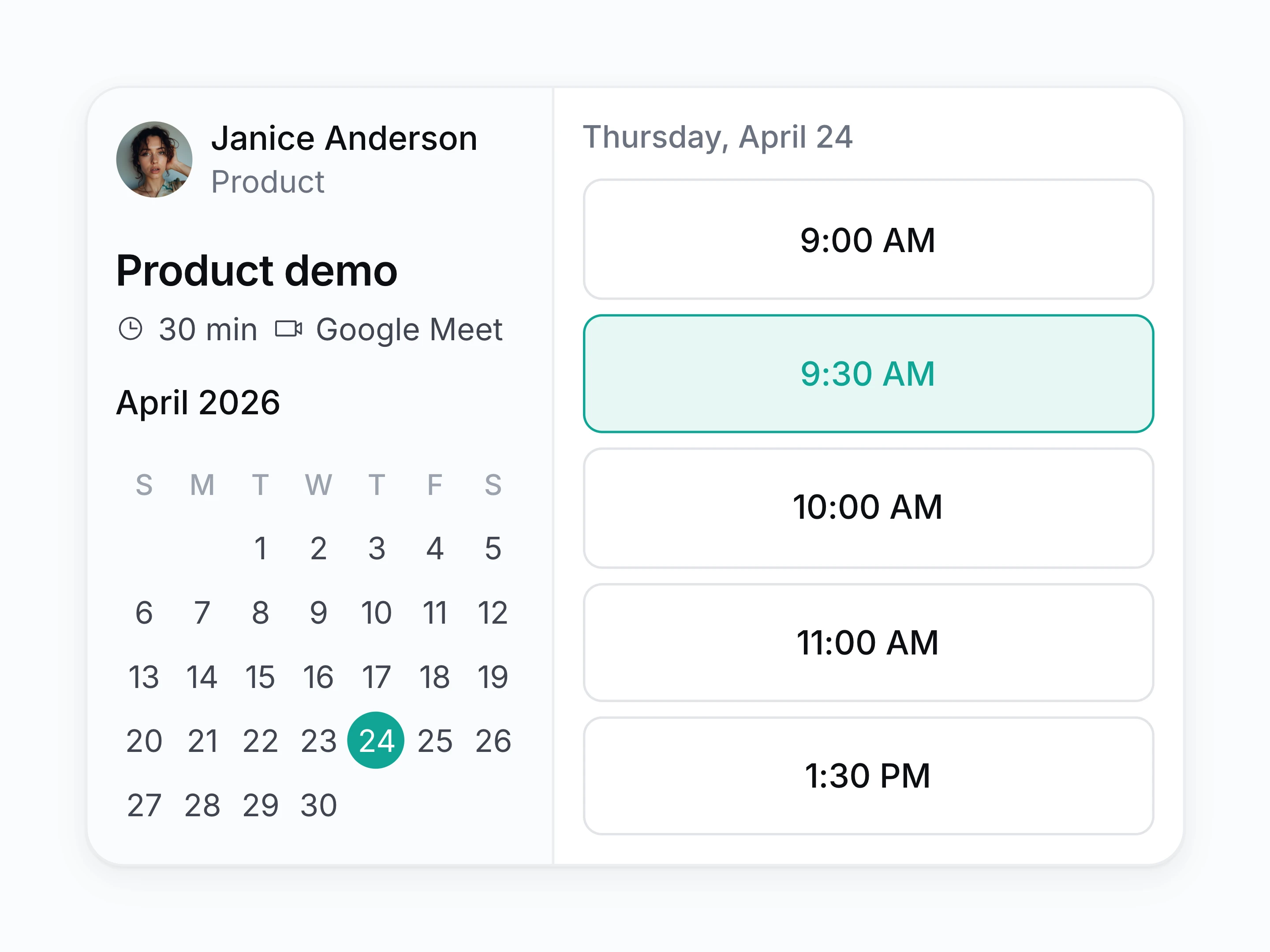
Team scheduling
Share a booking page, pool availability across the team, and route incoming meetings by round robin or account owner.
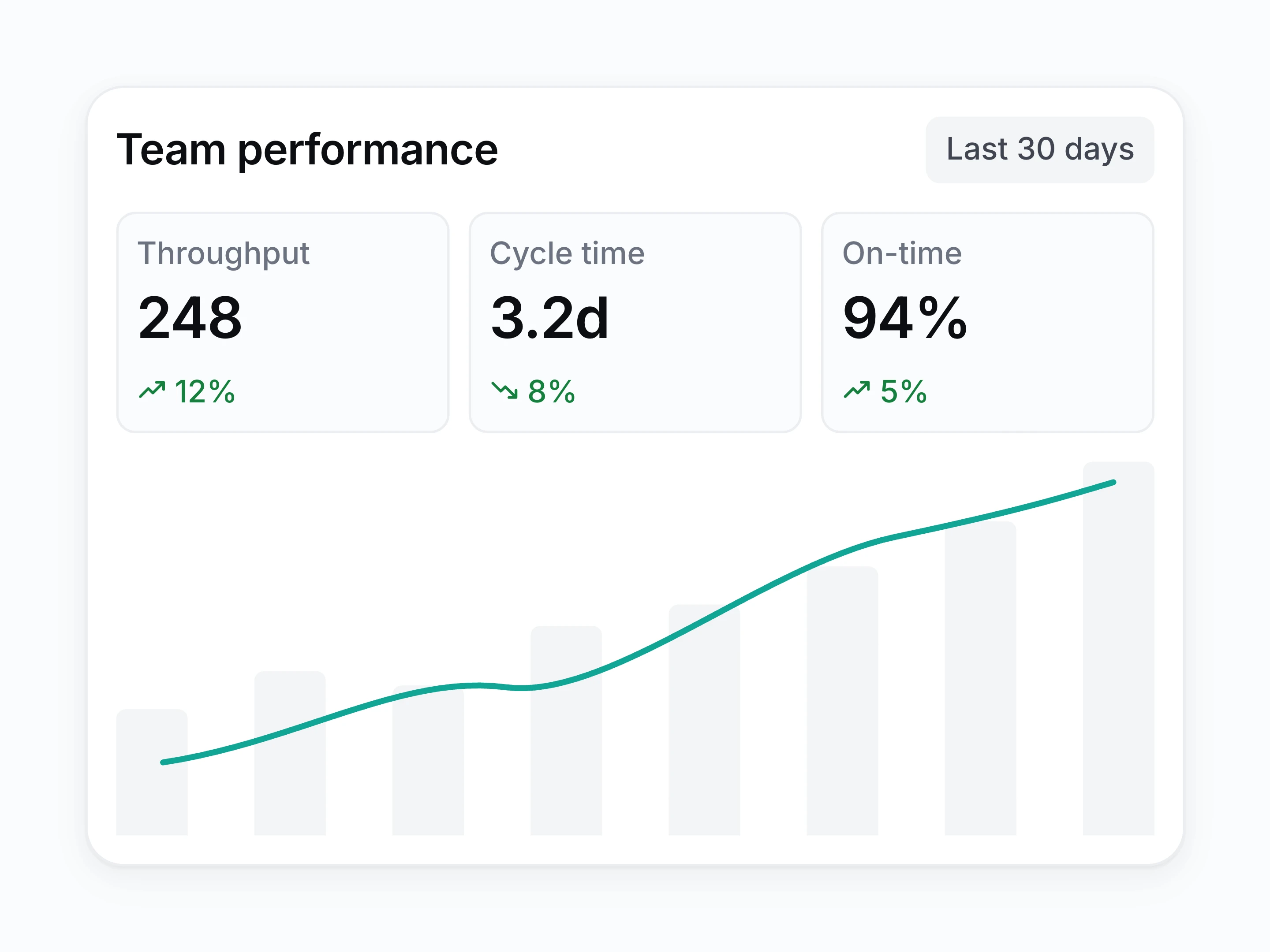
Reporting with nothing to assemble
Read velocity, workload, and what slipped straight off the tasks. Filter by team, client, or project.
Everything else the plan keeps track of
- Recurring work
- Set up the weekly and monthly work once and let it appear on schedule.
- Approvals and sign-off
- Route work to whoever has to say yes before it ships.
- Time tracking by client
- Track effort per client or project without a separate timesheet tool.
- Templates for repeat projects
- Spin up an onboarding or a launch with the tasks already in it.
- Portfolio view
- Read every live project on one screen, with the risk flagged.
- Progress anyone can read
- Let whoever is on a project see where it stands without asking.
How a commitment becomes tracked work
- [1]
Connect your sources
Calendar, email, and chat, so Setten sees where commitments get made.
- [2]
Setten proposes the task
It drafts the task, the owner, and the date from the conversation.
- [3]
You confirm or adjust
Accept the suggestion, reassign it, or move the date in one click.
- [4]
The plan stays current
Projects, timelines, and reports update with nobody maintaining them.
Questions about work
Does this replace Jira or Linear?
For teams whose tracker is mostly tasks, owners, and dates, yes. If you depend on deep engineering workflow tooling, keep it and use Setten for the meeting and decision record.
Do I have to create tasks myself?
No. Setten reads calls, email, and chat for what somebody committed to, then drafts the task with an owner and a date. You confirm it.
Can we keep our own stages?
Yes. Statuses and project stages are configurable to the workflow your team already runs.
Can a contractor see only one project?
Yes. Give them the single project they are working on and the rest of the workspace stays closed to them.
What happens when someone hands a project over?
The calls, decisions, and open commitments stay on the project, so whoever picks it up can see how it got here.