MeetingEvery meeting written up before you hang up
Setten records from the web, desktop, or mobile app, builds the notes while people are still talking, and turns what was agreed into tasks, owners, and dates.
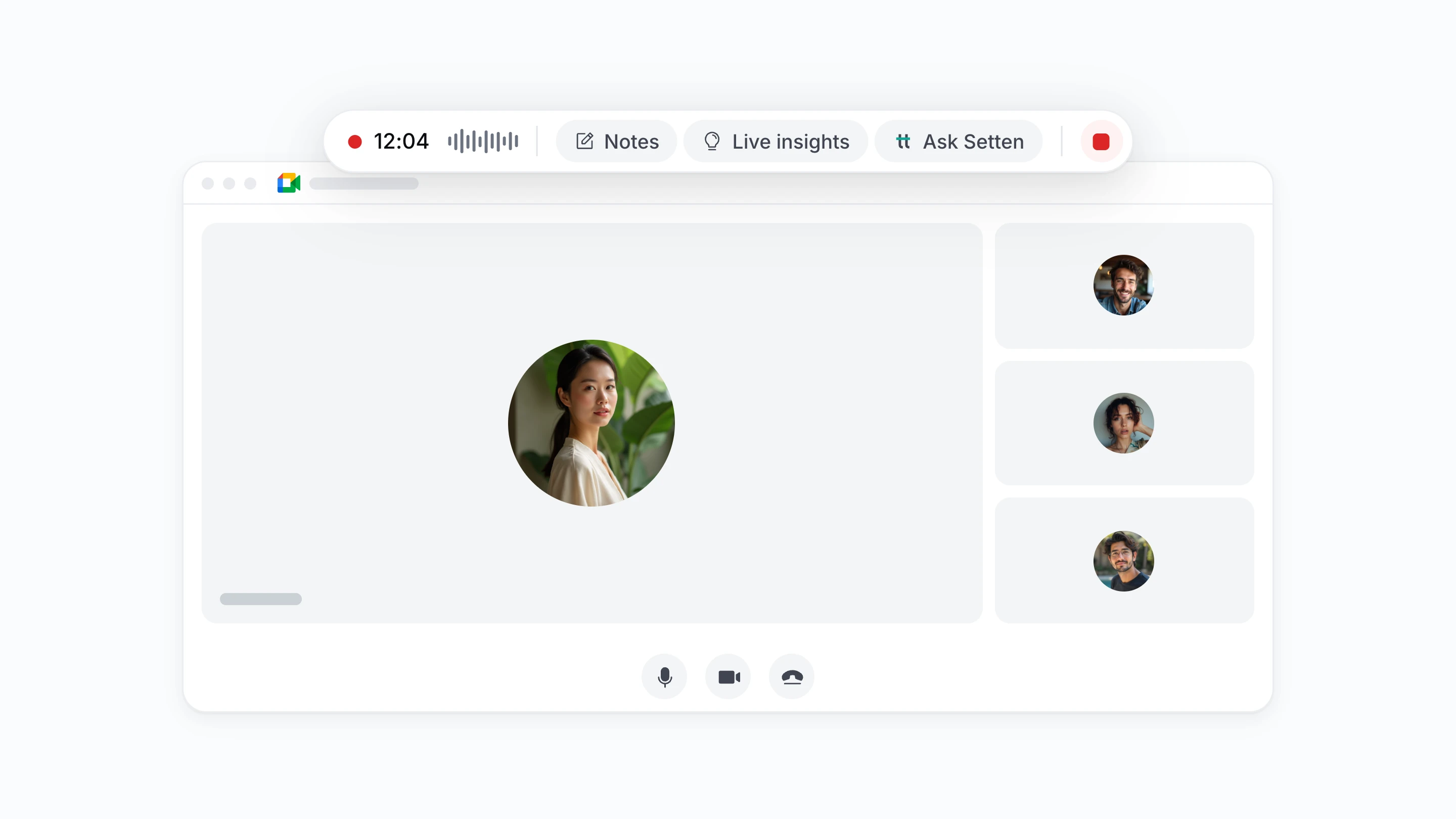
Record a call without a bot
Capture audio directly on your desktop or phone. No awkward meeting bots in the attendee list, no waiting rooms, and no interruptions.
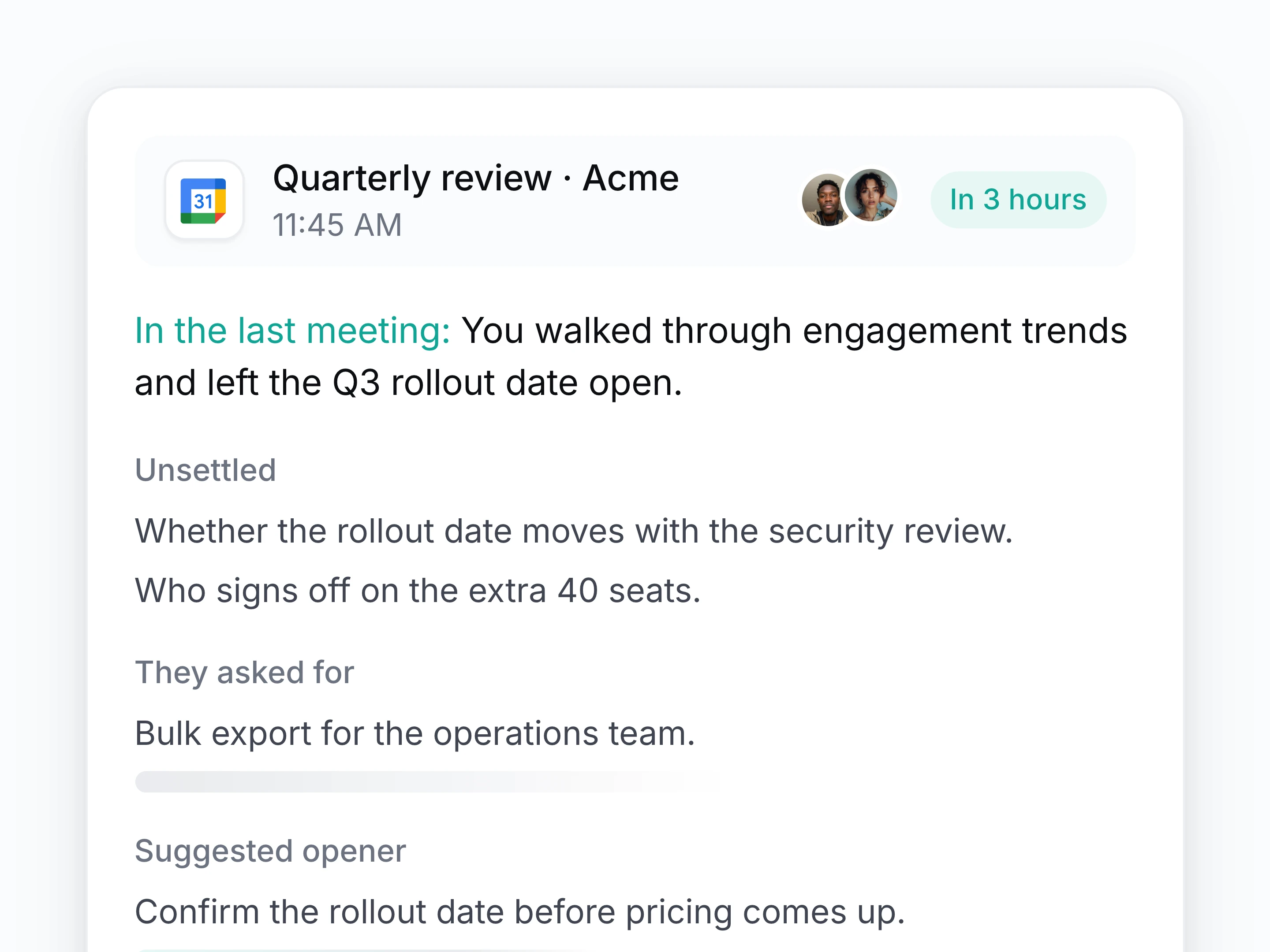
Walk in already briefed
Open the call knowing who is on it, what was agreed last time, what is still unresolved, and which documents matter.
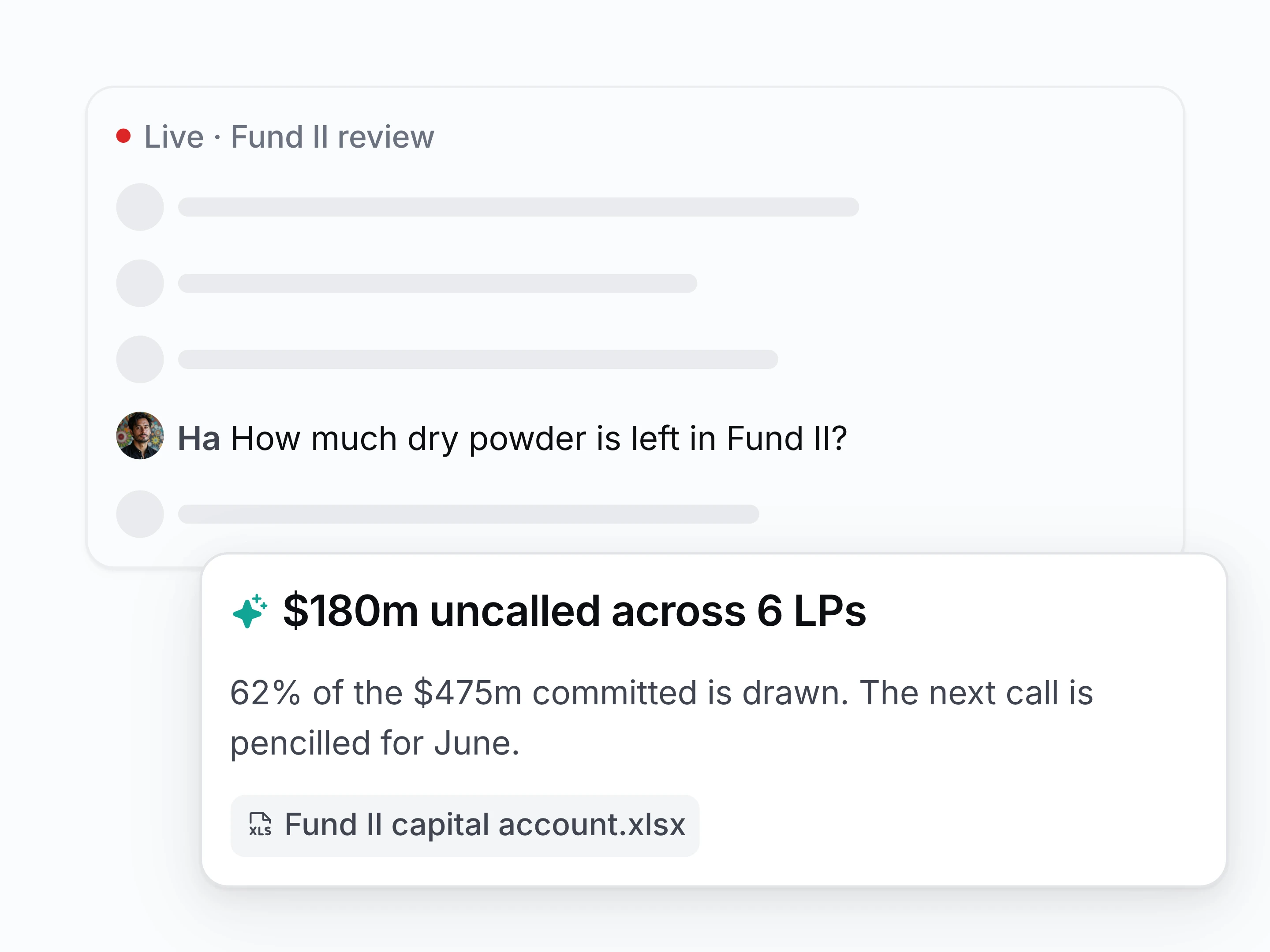
Answer from the record, mid-call
Ask for a figure or a contract clause and get it out of your own documents while the conversation carries on.
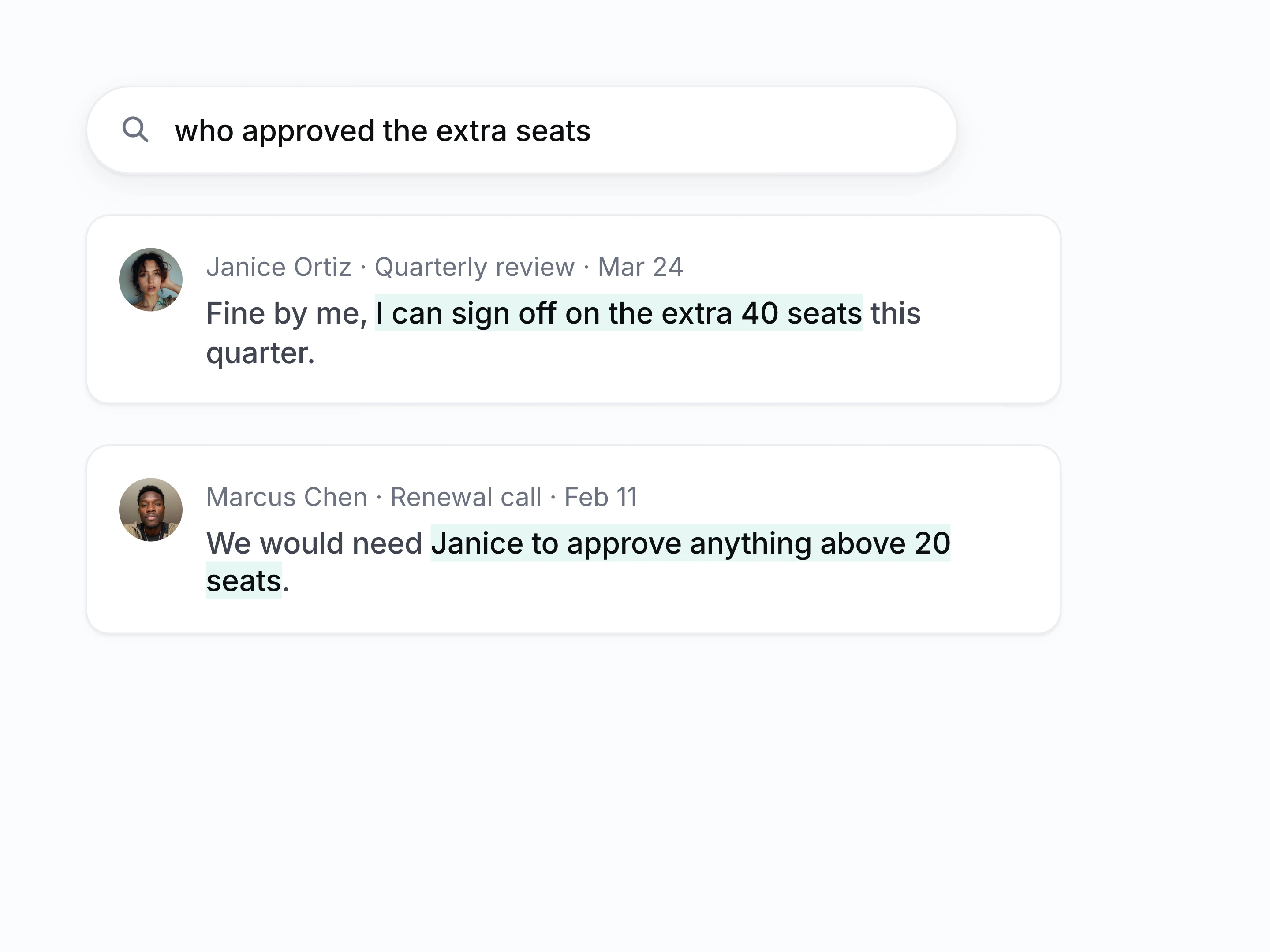
Search what was said
Search every call as text attributed to whoever said it, then read back the exact sentence, the speaker, and the meeting.
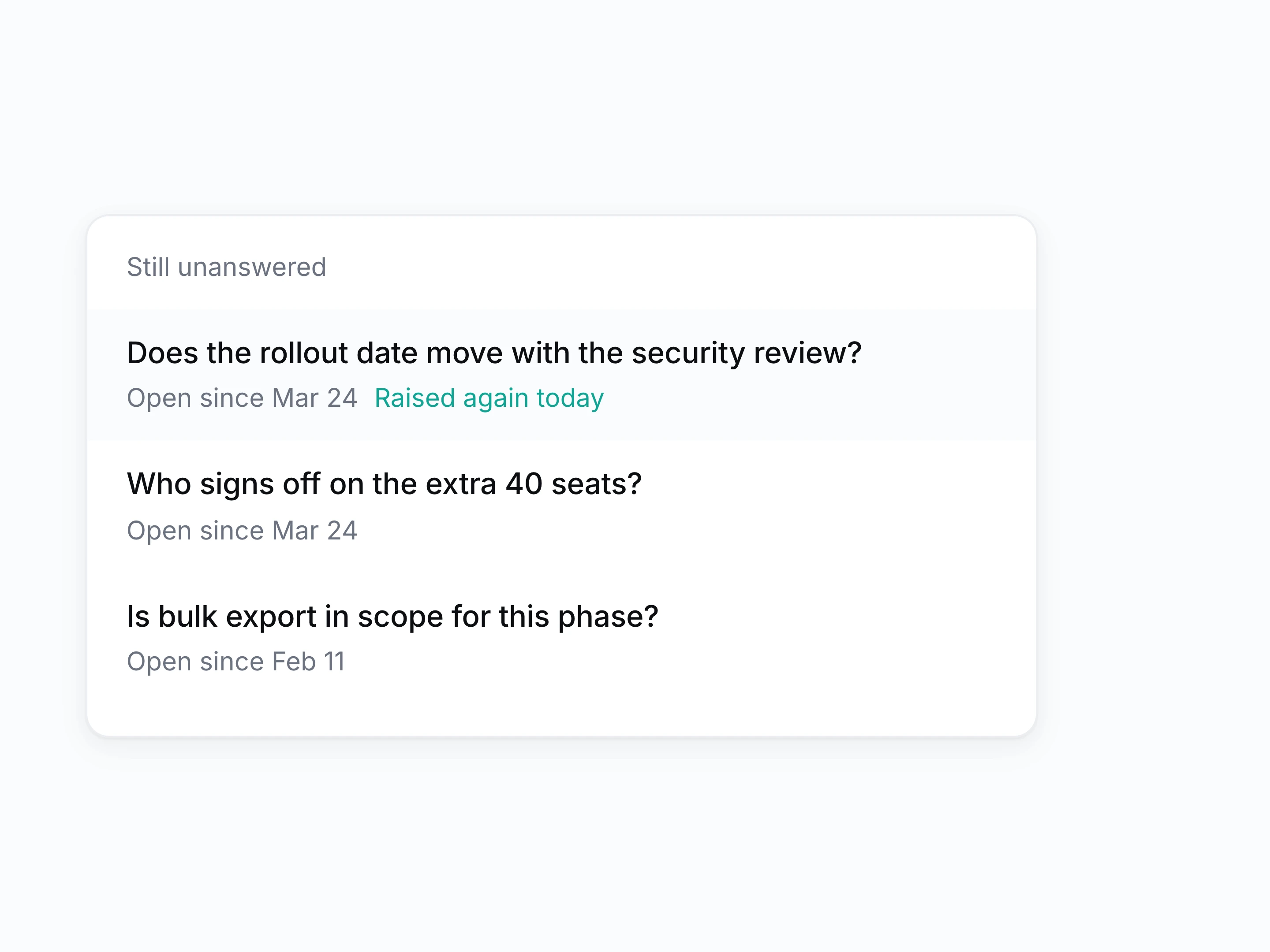
Open questions do not disappear
Carry the questions nobody answered into the next call with the same people, instead of losing them in between.
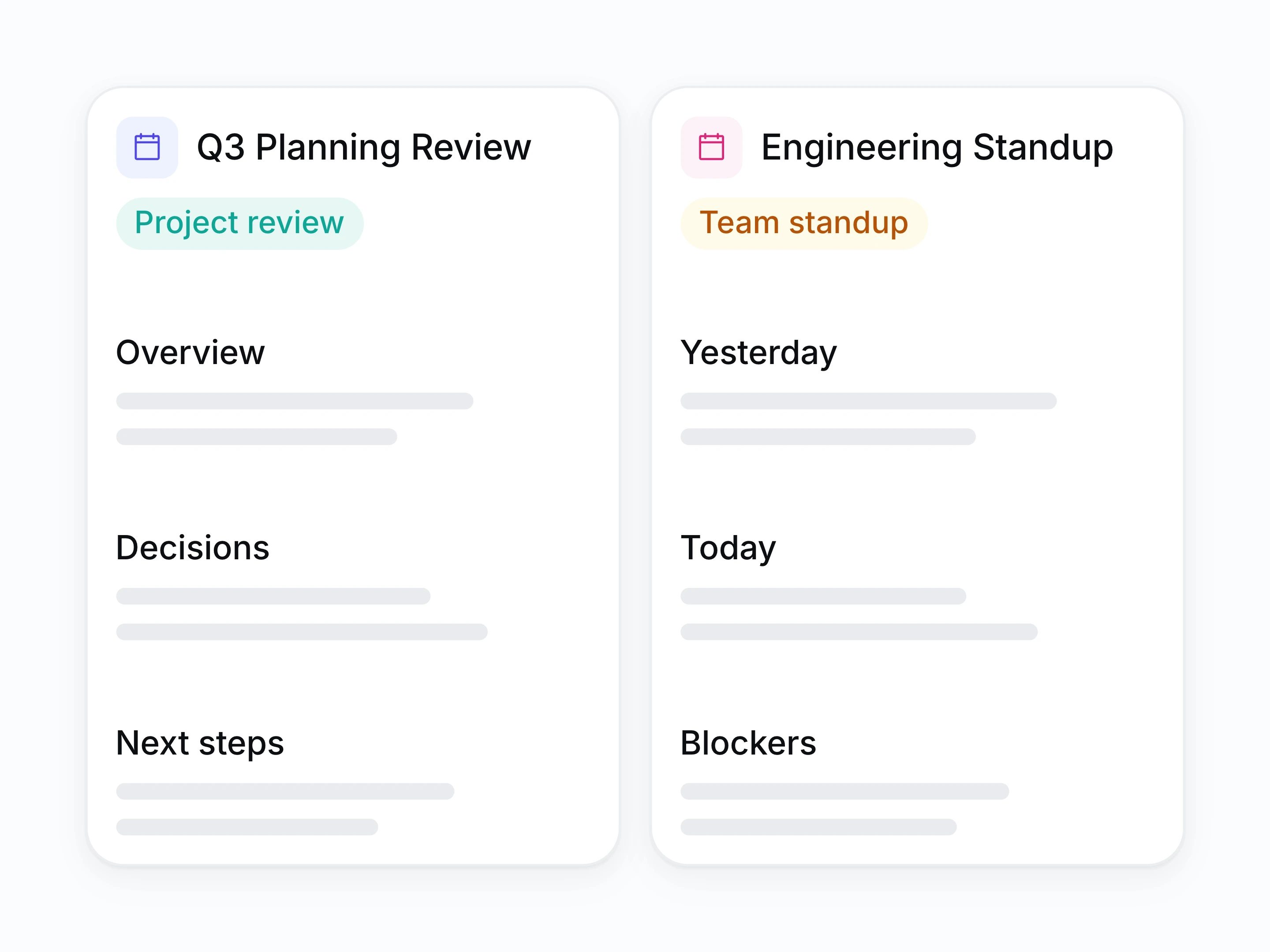
One template per meeting type
Set the shape of the write-up once per meeting type, and get every summary back in that format.
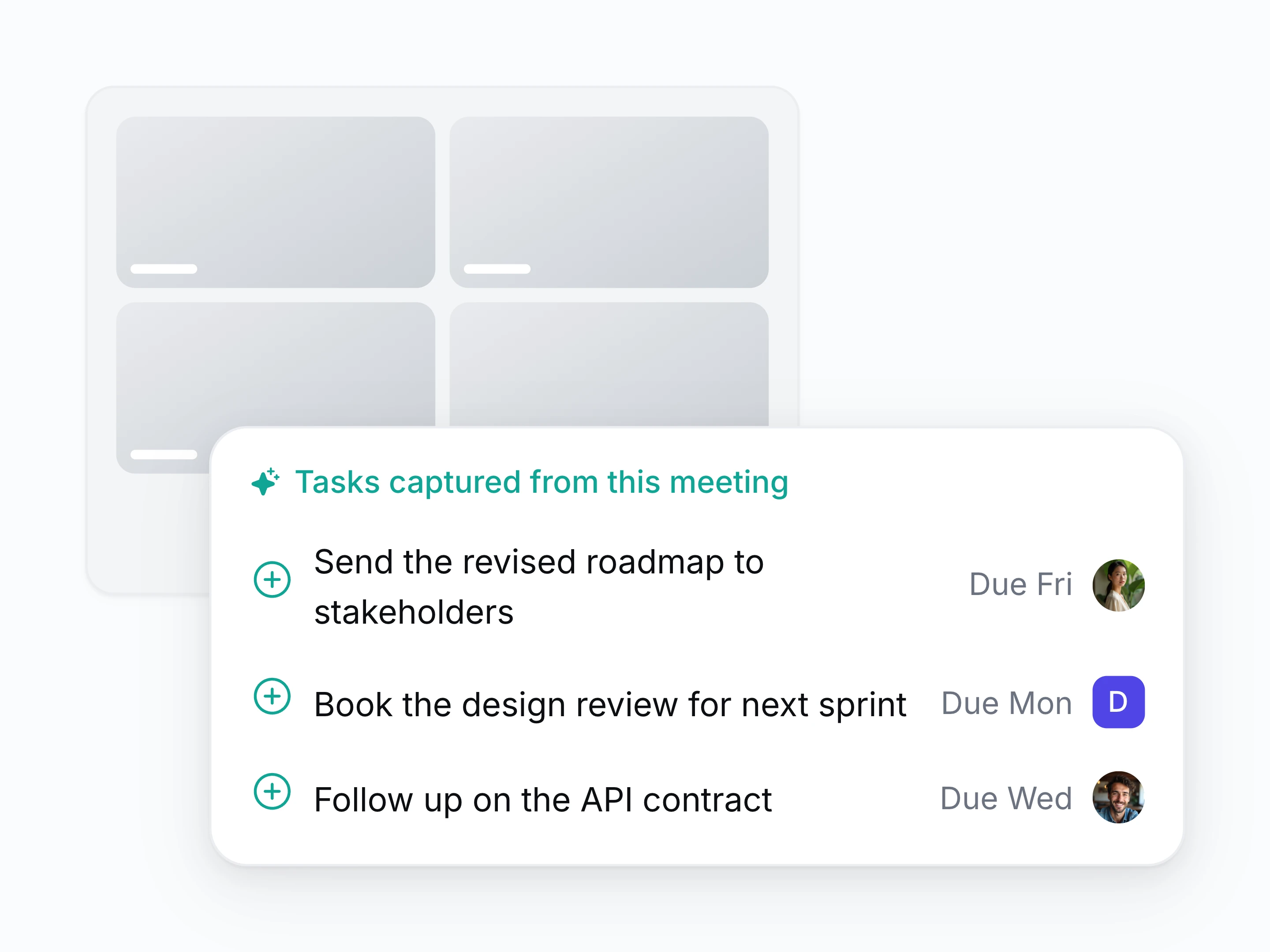
Commitments become tasks
Turn what somebody agreed to do into a task with an owner, a date, and a link back to the sentence.
And the rest of what a call leaves behind
- Multilingual transcription
- Transcribe and summarise calls that switch language mid-sentence, in the language your team reads.
- Custom vocabulary
- Teach it your product names, client names, and acronyms so they come out spelled right.
- Recurring meeting threads
- Read a weekly call as one thread rather than a folder of separate notes.
- Drafted follow-ups
- Get the reply to the client written from what was agreed, ready to edit and send.
- Talk time and coaching
- See who spoke, for how long, and where the conversation stalled.
- Access per call
- Keep a call private, open it to the workspace, or limit it to named people.
- Highlights and clips
- Cut a single moment out of a call and share the clip.
- Decisions pulled out separately
- Read the decisions from a call without re-reading the whole write-up.
How a call becomes tracked work
- [1]
Connect your calendar
Setten picks up the calls already scheduled in Google or Microsoft, with no invites to rewrite.
- [2]
Record without a bot
Capture from the web, desktop, or mobile app, so no extra participant appears for anyone.
- [3]
Notes form during the call
Transcript, decisions, and open questions build while people are still talking.
- [4]
Tasks and records update
Follow-ups arrive with an owner and a date, on the contact and project they belong to.
Questions about meetings
Does a bot join the call?
No. Setten records through the web, desktop, or mobile app. Nobody sees an extra participant in the attendee list, and there is nothing to admit from the waiting room.
How is this different from a standalone notetaker?
A notetaker leaves you a transcript in its own library. Setten puts the write-up on the client and project it belongs to, and creates tasks from it.
Do we still need Zoom, Meet, or Teams?
Yes. Setten records the call you are already running rather than replacing your meeting tool.
Can it recognize industry-specific terms and jargon?
Yes. Setten adapts to your industry jargon, technical terms, product names, and acronyms using your workspace vocabulary and past meeting context, so transcripts and summaries stay accurate.
Can I control who sees a recording?
Yes, in detail. A call can stay private to you, open to the whole workspace, or limited to specific teams or specific people. You can change that after the call.
Do people know I'm recording?
Even though no bot joins the call, you are responsible for telling people they are being recorded. Setten gives you a one-click way to post that notice into the meeting chat.
Can I keep a call off the record?
Yes. Recording is per call, and you can exclude a single meeting or an entire calendar.