Setten for AgenciesEvery client call scoped, tracked, and written up
Agency work lives in client calls. Setten captures what was agreed on each one, turns scope changes into tracked work, and keeps a history per account that anyone can pick up.
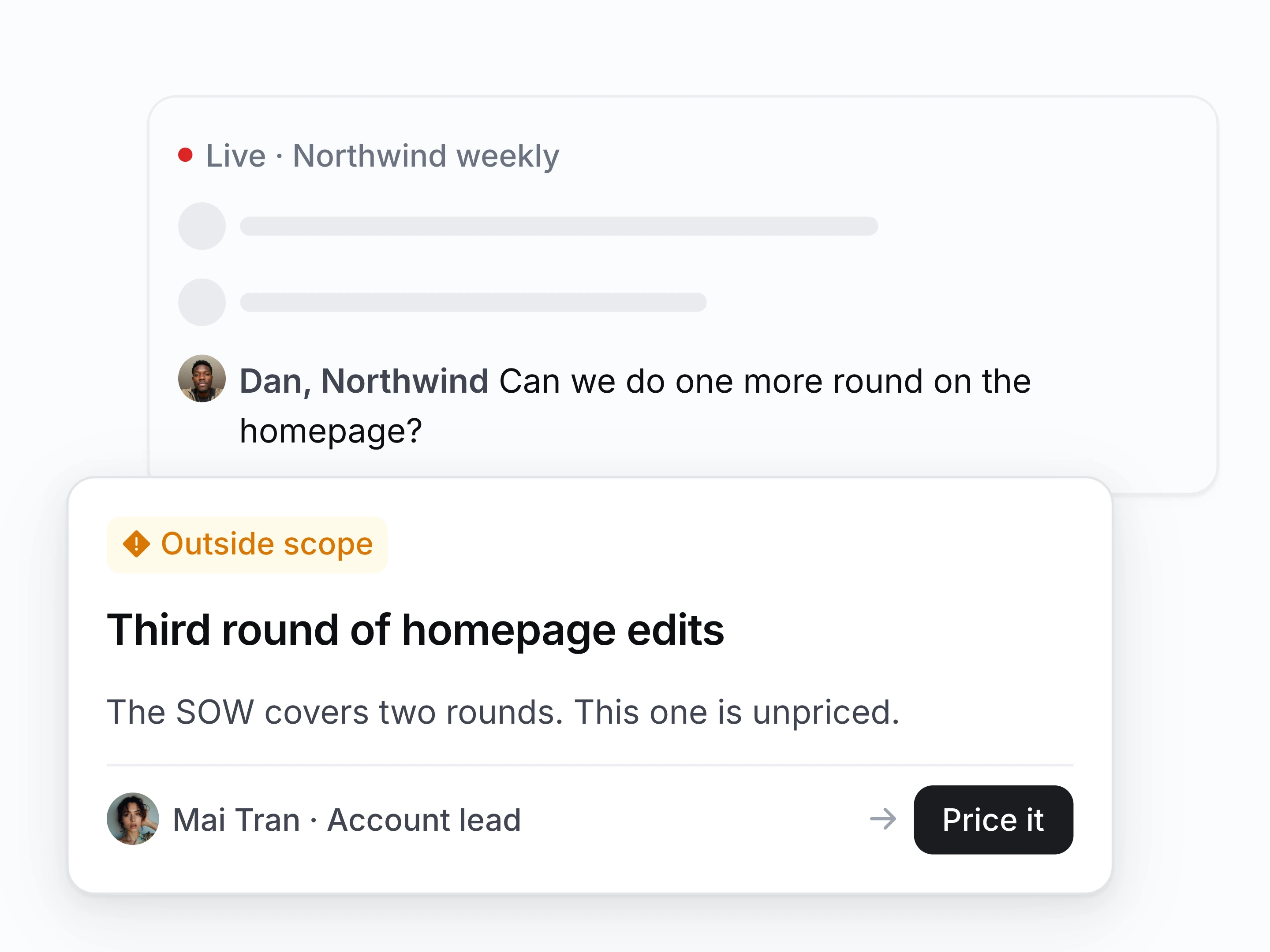
Scope creep caught on the call
Catch a request for another round as the client makes it, and send it to whoever prices the work.
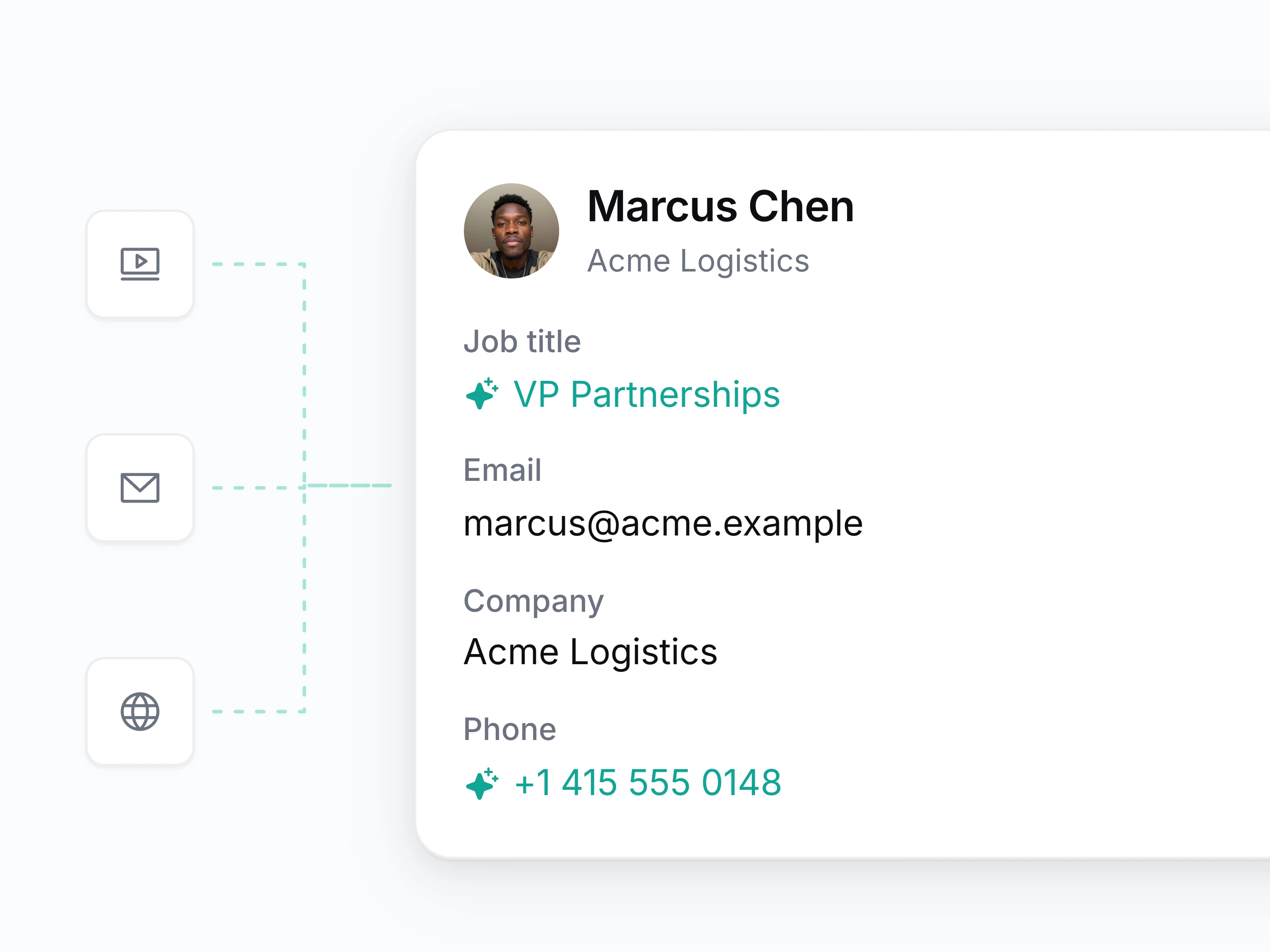
Pitch prep and client research done automatically
When a prospect books a discovery call or pitch, Setten looks up company headcount, leadership, and background so your team walks in fully briefed.
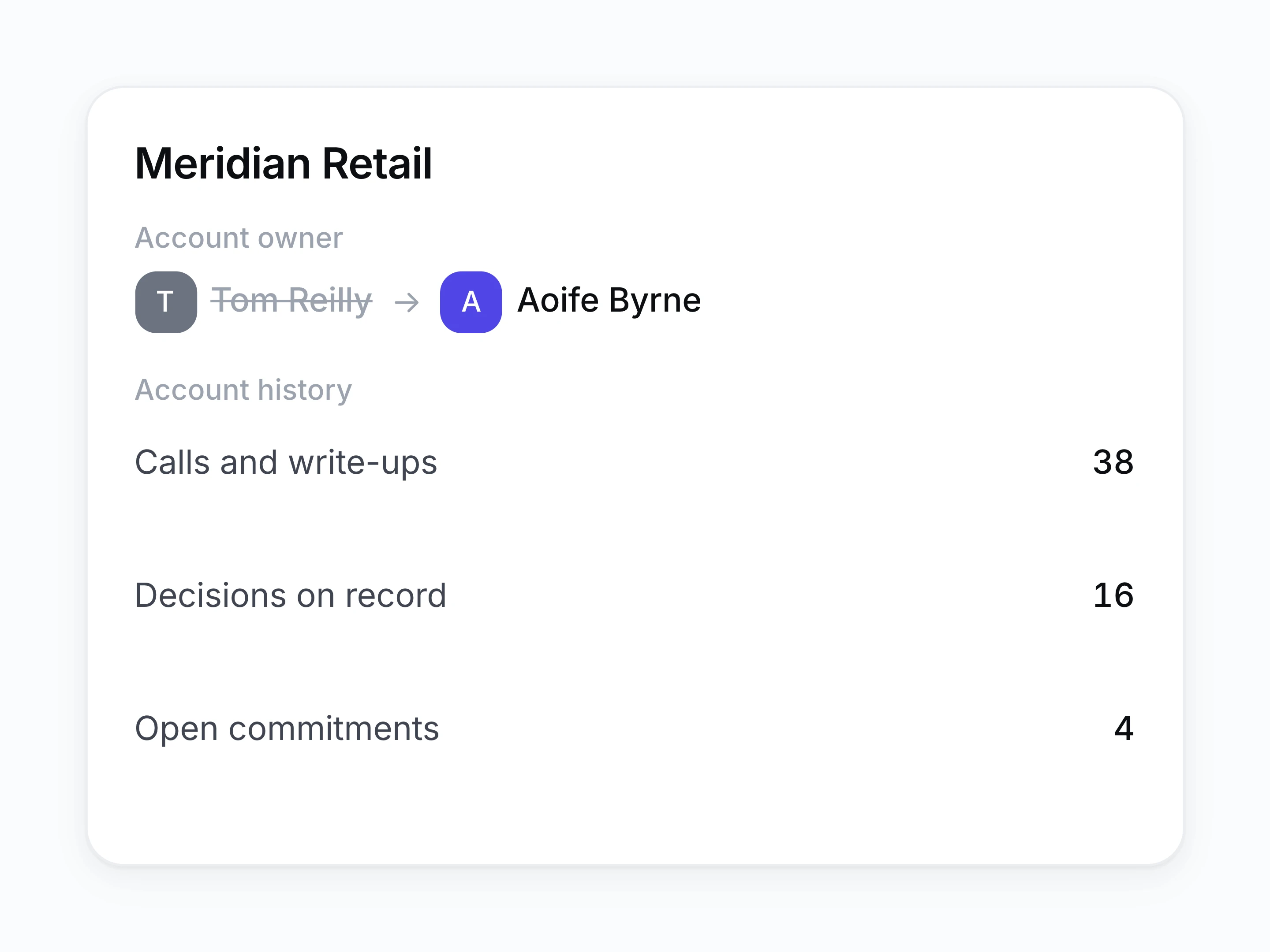
Any account manager can pick it up
Hand over a client with the full account history: every call, decision, and document on one timeline, rather than a rushed doc.
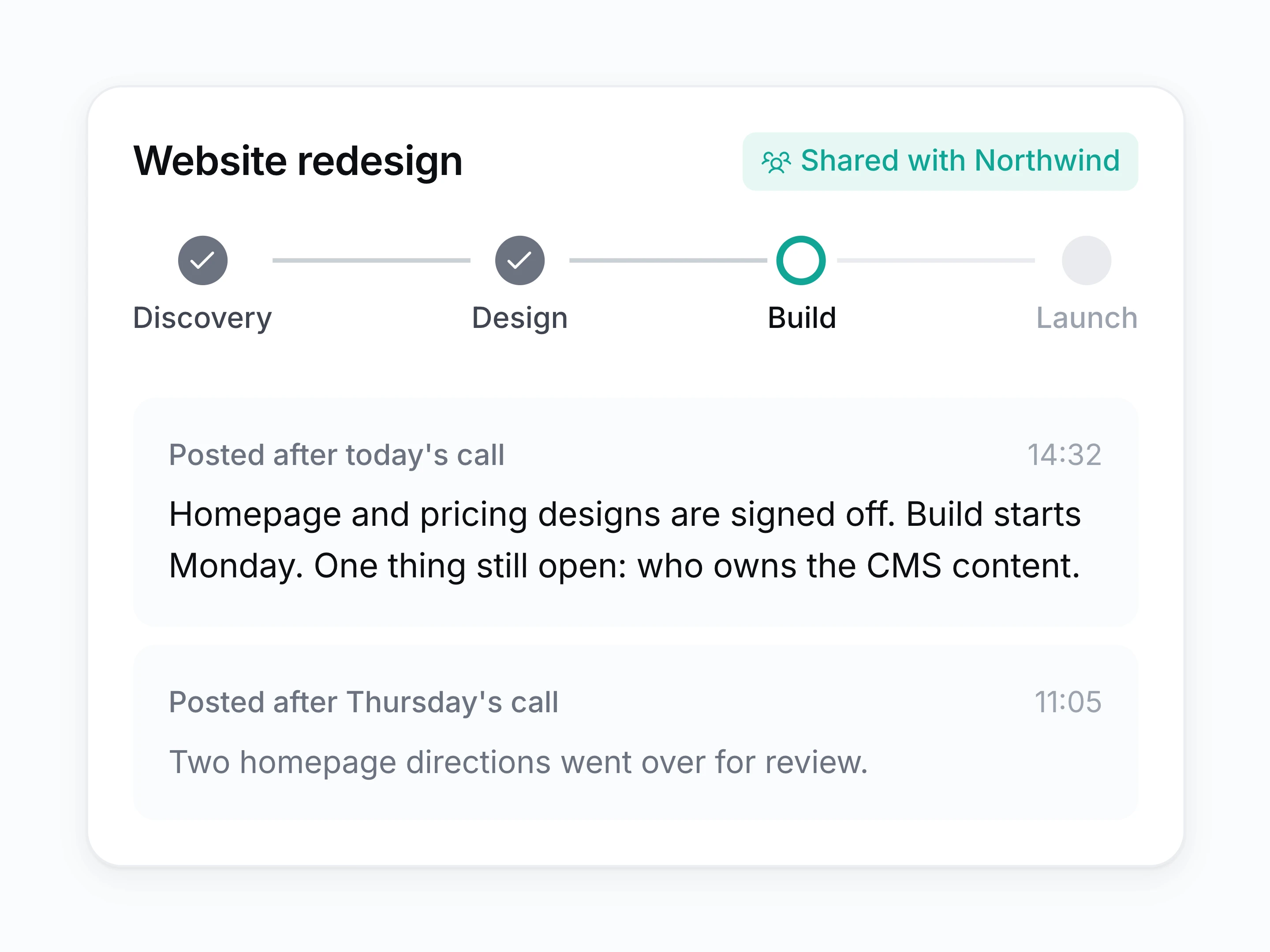
Client updates without writing them
Keep client contacts on their own project space, where post-call summaries and milestone progress update automatically.
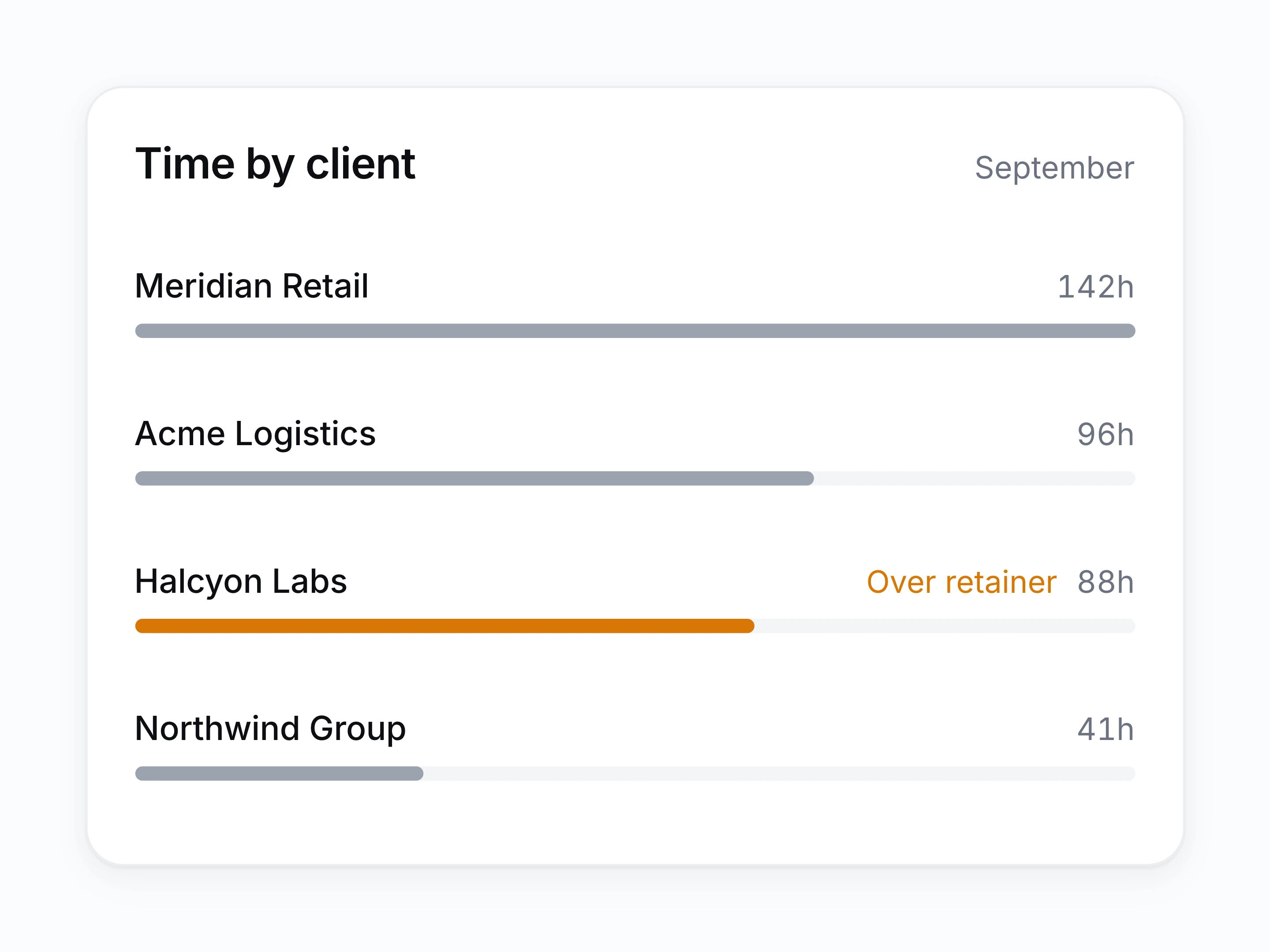
Utilisation and delivery in one place
Read which clients absorb the most time, which projects slipped, and where the team is over-committed, off the work rather than off timesheets.
What agencies get out of the box
- Multi-client switching
- Move between accounts without losing where each one stands.
- New business calls
- Give pitch calls the same prep and write-up as delivery calls.
- Freelancer access
- Put a contractor on one project and nothing else.
- Change-request trail
- Show exactly when a change was requested and by whom.
How an agency week runs on Setten
- [1]
Client calls happen
Status calls, reviews, and pitches are recorded without a bot joining.
- [2]
Scope and actions land
Requests and commitments become tasks against the right account.
- [3]
Delivery gets tracked
Projects move, and the client sees an update without a chase.
- [4]
The account history stays clear
Anyone can open the client record and review the full history.
Questions from agencies
Does this replace our project tool and client database?
For most agencies, yes on both. Client records, calls, projects, and tasks live in one place instead of three.
Can we bill from it?
You can track time against a client or project and export it. Invoicing stays in your finance tool.
How much of a project can a client see?
Exactly what you give them. Access runs from private, to the whole workspace, to named teams or people, so a client contact opens the project you put them on and nothing else.
Can we see which clients are taking the most time?
Yes. Time tracked against each client and project rolls up into one view, so you can see where the month actually went.
How do we handle many clients at once?
Work, contacts, and calls are organised per account, so switching clients does not mean losing context.
Can freelancers get limited access?
Yes. Put them on the one project they are working on and nothing else opens for them.